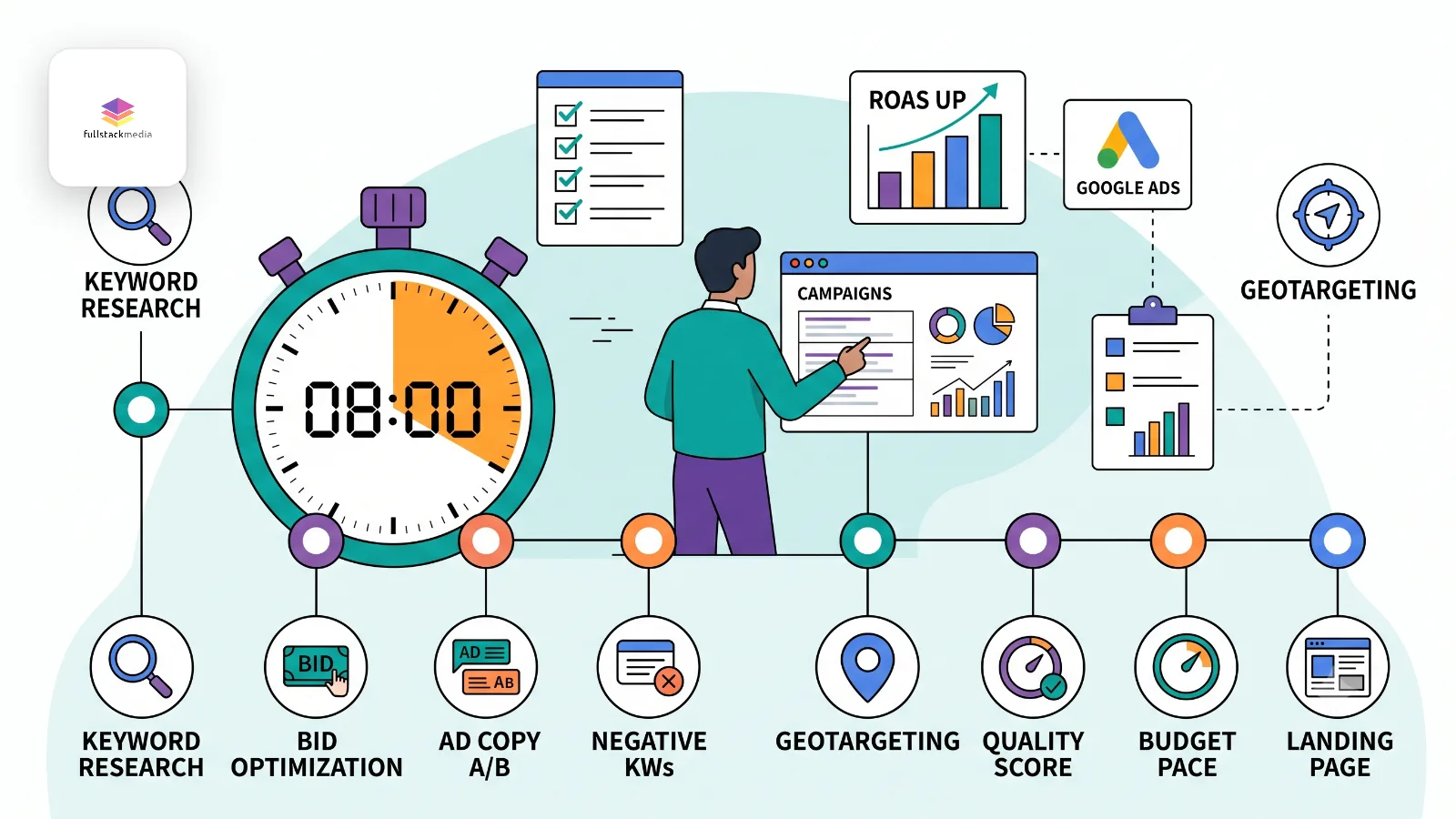
Whenever we look at a Google Ads account for the first time, the first place I go is the change history. It's a log of every change anyone has made to the account, and it doesn't lie. I've opened accounts where a business was paying a monthly management fee and the last meaningful change was made four months earlier.
That's not typical of every agency, and this article isn't a hit piece on them. Plenty of agencies and freelancers do excellent work. But if you're paying someone to manage your Google Ads, or you're managing them yourself and wondering what you should be doing, you deserve to know what well-managed actually looks like.
The good news is you don't need to be a marketer to check. Everything below is visible inside your own Google Ads account, and none of it takes longer than a couple of minutes to look at. Let me walk you through it.
First, make sure you can get in
Before anything else: you should have owner-level access to your own Google Ads account. Not a monthly PDF, not a dashboard your agency built. The actual account.
If your ads run out of an account you don't own or can't access, fix that first. It's your data and your billing history, and if you ever change agency, you want to keep the account and everything it has learned. A good agency will set the account up in your name and request access to it, not the other way round.
Done right, you own the asset and the agency works on it. Done incorrectly, the agency owns the asset and you're renting your own advertising history.
The 8-minute checklist: eight checks, a minute each
Log into your Google Ads account and work through these eight checks.
1. The change history shows regular work
Go to the change history and set the date range to the last 30 days. A well-managed account shows steady activity: search term reviews, bid adjustments, new negative keywords, ad copy changes, budget moves.
It doesn't need to be daily. But if the log is empty for weeks at a time and the fee is leaving your bank account monthly, you're paying for management that isn't happening. This is the single fastest check on the list, and the most revealing.
The first place we look
Two real-world change histories for the last 30 days. Click between them.
- 1 JulWeekly search term review
- 3 JulAdded 14 negative keywords (search term review)
- 7 JulPaused underperforming ad in 'Boiler Repairs' ad group
- 9 Jul2 new responsive search ads added (headline test)
- 12 JulAd schedule adjusted to business hours
- 14 JulBudget moved from Display to Search (£8/day)
- 16 JulAdded 11 negative keywords
- 18 JulBid adjustment: -20% on tablets
- 22 JulAdded 9 negative keywords
- 24 JulRaised bids on top-converting keywords
- 28 JulLocation exclusion added: outside service area
- 30 JulMonthly report prepared
Both of the accounts above are paying for management. Only one of them is getting it.
2. Conversion tracking measures things that actually matter
Look at what the account counts as a conversion. It should be the things that make you money: form submissions, phone calls, purchases, booked appointments.
The reason this matters more than anything else on the list is that Google's bidding systems optimise towards whatever you tell them a conversion is. If the account counts page views or button clicks as conversions, Google will happily deliver thousands of them while your phone stays silent. Everything looks green in the reports, and none of it is real. Weak conversion setups are the most common root cause we find in underperforming accounts.
3. The search terms report is being read
The search terms report shows the actual words people typed before clicking your ad. Have a scroll through it. You'll learn more about your account in five minutes here than in any monthly report.
You're looking for junk: searches that have nothing to do with what you sell, job seekers, DIY-ers, people in countries you don't serve. A managed account has these caught and excluded quickly. An unmanaged one pays for them, click after click.
4. The negative keyword list is alive and growing
Negative keywords tell Google what you don't want to pay for. Check the list. A looked-after account typically has dozens, often hundreds, added steadily over time as real search data comes in.
If the list is empty or has a token handful of entries added on day one, your budget is wide open to wasted clicks, and nobody is watching the door.
5. Budget follows results
Look at how spend is split across your campaigns. It shouldn't be even. Money should be flowing towards whatever is producing leads at a sensible cost, and away from whatever isn't.
Industry audit data suggests budget misallocation shows up in nearly half of all accounts: strong campaigns starved while weak ones are fed out of habit. If your best-performing campaign keeps hitting its budget cap while a limping one spends freely, nobody is steering.
6. The ads are being tested
Check any ad group. There should be more than one ad in it, and the ad copy should have changed at some point this year. Good management constantly tests headlines and descriptions against each other, because small improvements in click-through rate compound into cheaper clicks across the whole account.
One ad, written at launch and never touched since, is a set-and-forget account.
7. The location targeting matches your business
Two minutes on this one. Check which locations your campaigns target, and check the setting underneath it that most people miss: whether ads show to people in your locations, or also to people merely interested in them.
Geographic targeting problems turn up in over half of the audits we see referenced across the industry, and we find them constantly. If you serve Dorset and your ads are quietly spending in London, that's money gone for good.
8. Your reports tell you cost per lead in plain English
Dig out last month's report. It should answer three questions without any effort: how many leads did we get, what did each one cost, and how does that compare to the month before.
If the report leads with impressions, clicks and click-through rates but goes quiet on leads and cost per lead, be curious about why. Vanity metrics are what gets reported when the numbers that matter don't look good. You're not paying for clicks, you're paying for customers.
Same month, two reports
The same business, the same month, the same data. Flip between how it can be told.
- Impressions48,200up 34%
- Clicks1,120up 21%
- CTR4.1%above industry average
The element above shows the same month reported two ways. It's worth asking which version you're getting.
What to do with the results
If most boxes are ticked, you're in good hands. Well-managed accounts are genuinely valuable, and if your agency passes this list, they've earned the fee. It's worth telling them so.
If several checks failed, don't fire anyone by Friday. Have the conversation first. Show them what you found and ask them to talk you through it. There are sometimes legitimate reasons for what looks like inactivity (a deliberately stable account in a quiet season, for instance), and a good agency will explain clearly rather than get defensive. Vague answers to direct questions are their own kind of answer.
The reason it's worth doing this properly is that the difference between a managed and a neglected account is rarely small. We've taken over accounts where lead volume climbed sharply after nothing more than a first wave of optimisations. The traffic was already there. The management wasn't.
My honest view
Most businesses paying for Google Ads management have never once opened their own change history, and the industry is comfortable keeping it that way. Eight minutes with this checklist puts you back in an informed position, whoever runs your account.
And if you'd rather have a professional pair of eyes on it, that's a thing we do. A proper Google Ads audit covers everything above plus the deeper structural work: bidding strategy, quality scores, landing page match, attribution. We'll tell you honestly what's working, what's being missed and what it's costing you, and you can take the findings to your current agency if you want to. It's part of how we approach PPC for every client we work with.
Run the checklist first. If you don't like what you find, or you'd like help making sense of it, give us a shout.